
- To record any incident related to any aspect of a flight there are 2 methods to do this:
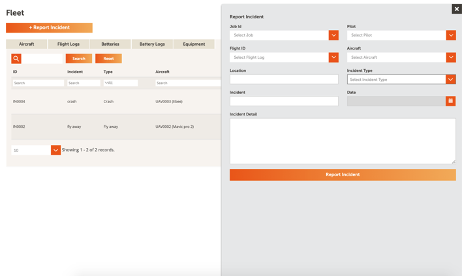
- Click incident tab in the Fleet section and select + Report Incident
- Select the Aircraft tab and click on the aircraft related to the incident. The Aircraft window will open, select the Incident
- In both methods above you will be required to add detail from either pre-populated fields or free text fields.
- Once you have added the Incident, click Report Incident and the incident will be added to the incident table.
Comments
0 comments
Article is closed for comments.