
Operation assignment allows an operation to be created by one person (Creator) and assigned to someone else to carry out (Owner). It is available on the Enterprise subscription level. This article explains how to create an operation and assign it to someone else. For details of how to set up a user to be able to assign jobs, please refer to support article Setting up Assignment.
- Start a new operation as normal by drawing a job area boundary on the map. For more details, see support article Create a New Operation.
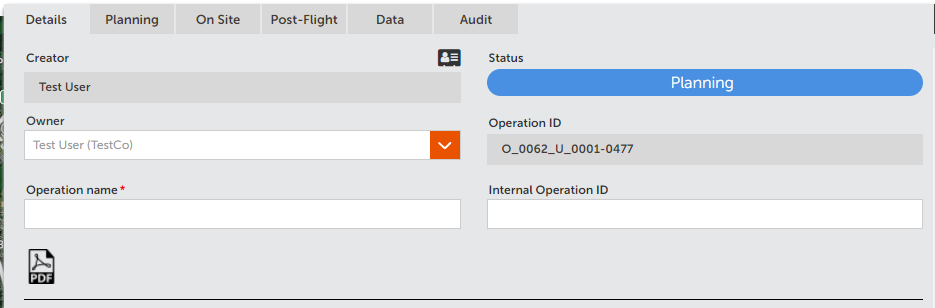
- Use the dropdown selector in the header to choose a new Owner.
- A pop up will warn you that you are assigning the new user to the job. Click OK to confirm
- The new owner will receive an email, and will be able to update and edit the operation and it will appear in their Operations table.
Comments
0 comments
Article is closed for comments.