
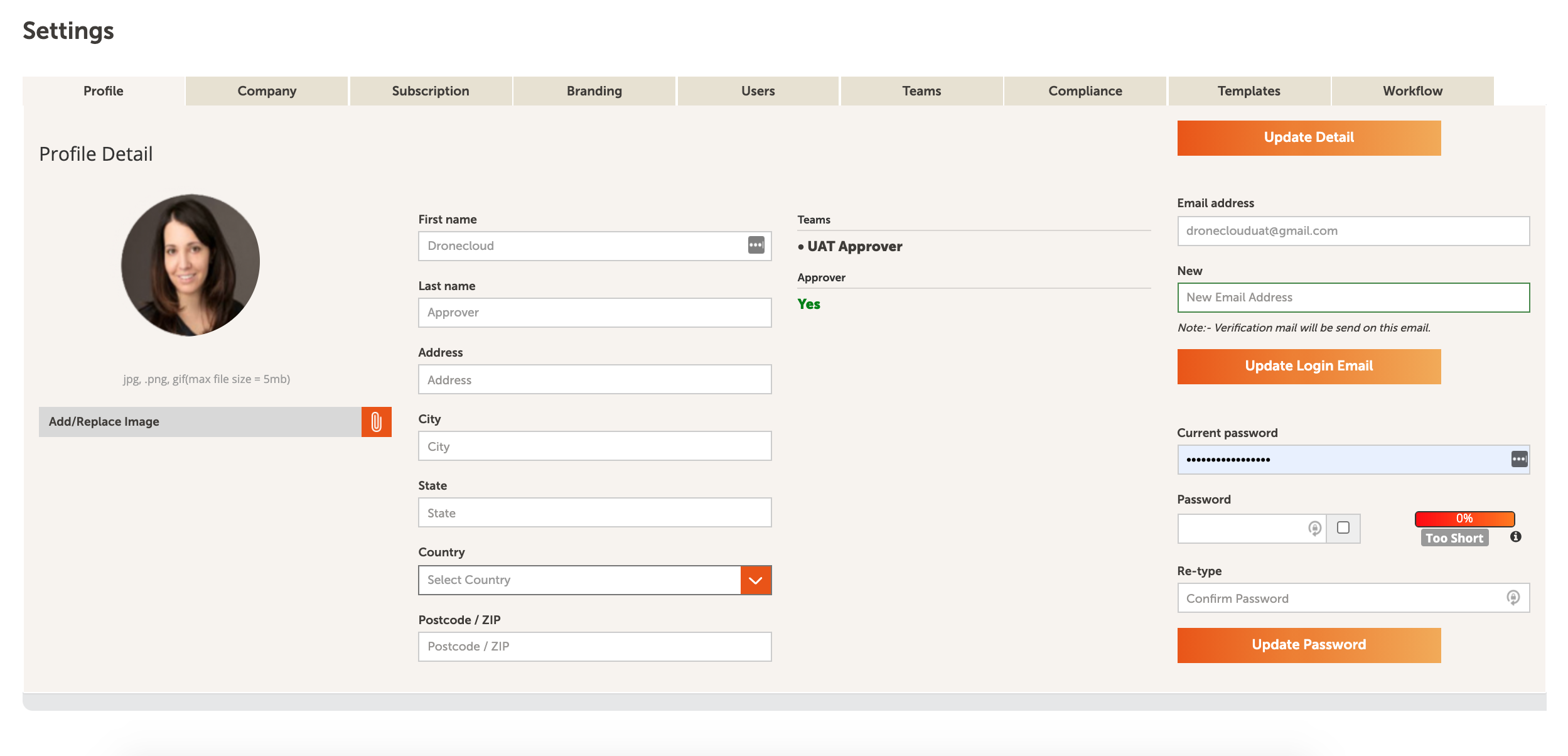
To view or edit any of your profile details, navigate to Settings and select the Profile tab. To add or edit your details, do the following:
- Upload a profile image in the Add/replace image field. Once uploaded, click Update detail to save the changes. The image you use will appear in in the left-hand navigation below the company logo, it will also appear wherever you comment or create actions in notifications and in job details.
- To change your emails address, add your new email into the New field and click Update login email. Check your inbox for a confirmation email with a link to login with your new email address.
- To change your password, type your current password into the Current password field. Add your new password to the Password field and retype this into the Re-type field.
Comments
0 comments
Article is closed for comments.