
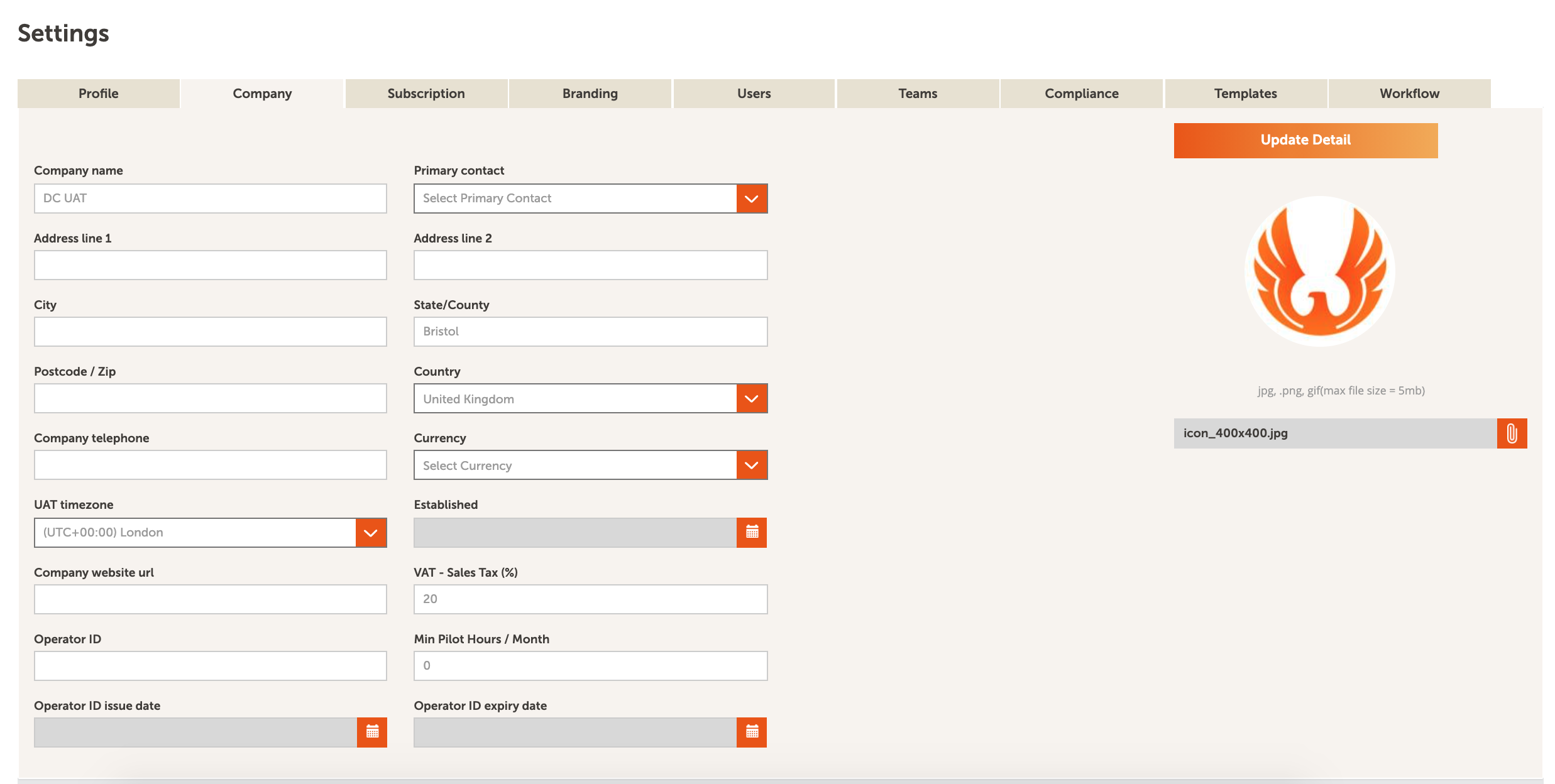
To edit or view your company details you will need to be an administrative user of a team or the primary contact of an account. Navigate to Settings and select the Company tab. To add or edit company details, do the following:
- Upload a company logo in the Add/replace image field. Once uploaded, click Update detail to save the changes. The image you use will appear in in the top left corner of the screen, it will also appear for every user in the account and teams.
- Within the company section you can update the company details, currency, time zone, default VAT-sales tax (%) and operator ID details.
- Once any detail has been edited, save the changes by clicking Update detail in the top right.
Comments
0 comments
Article is closed for comments.