
This article explains how to customise the site with your organisation's branding. As an Organisation Admin user, to enable custom branding, navigate to the Branding page of the Settings area of the app and check the box.

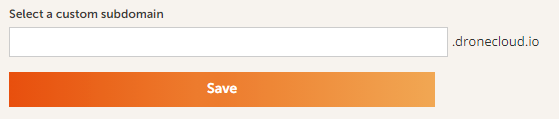
You can set up a custom subdomain for your users to log into the app. Once set up it will be visible in the top left of the Branding page as a URL. To do this, type in the required subdomain and click the Save button. All members of your organisation will be able to log in at this new subdomain.
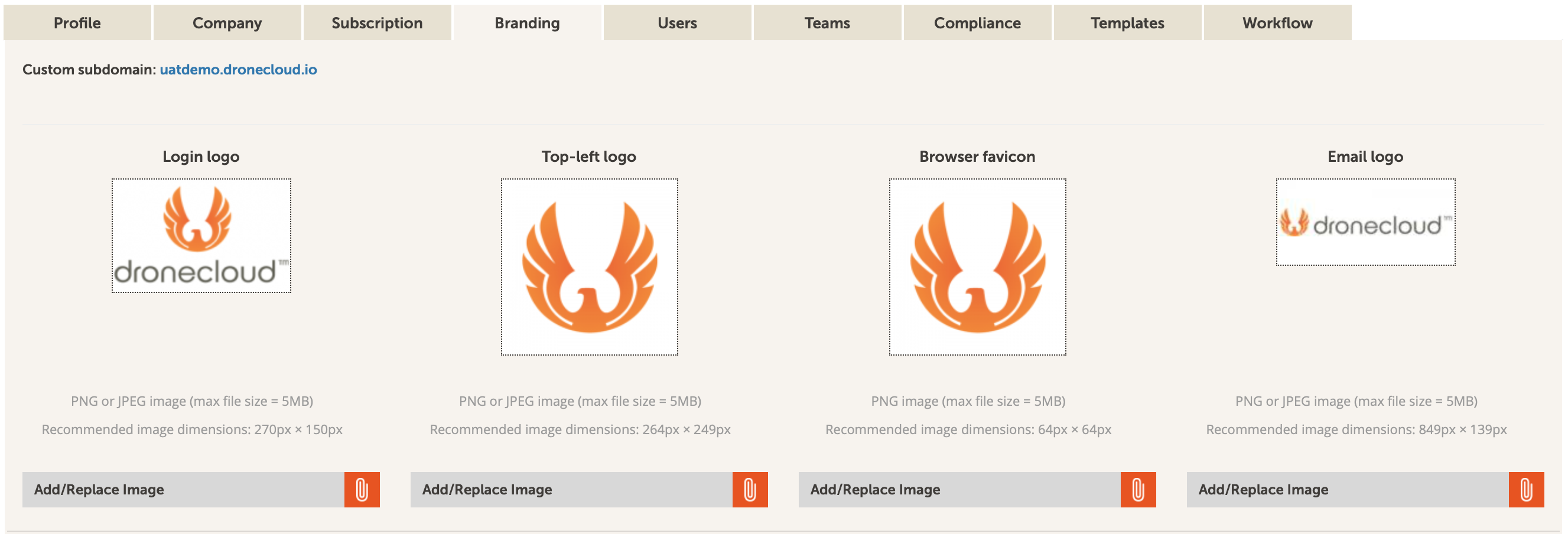
You can customise branding with logos in different formats for different places. To do this, click on the Add/Replace Image button underneath the relevant logo placeholder:
-
- Login logo is what users see where they enter their credentials for logging into the site
- Top-left logo appears at the top of the side menu bar
- Browser favicon is linked to the web page in the browser
- Email logo is included in emails sent to invite users to the app
Comments
0 comments
Article is closed for comments.